How to Check Central Ethiopia Grade 6 Exam Result?
There are two ways to check your Central Ethiopia Grade 6 exam result online. Both students and parents can check the Grade 6 exam result.
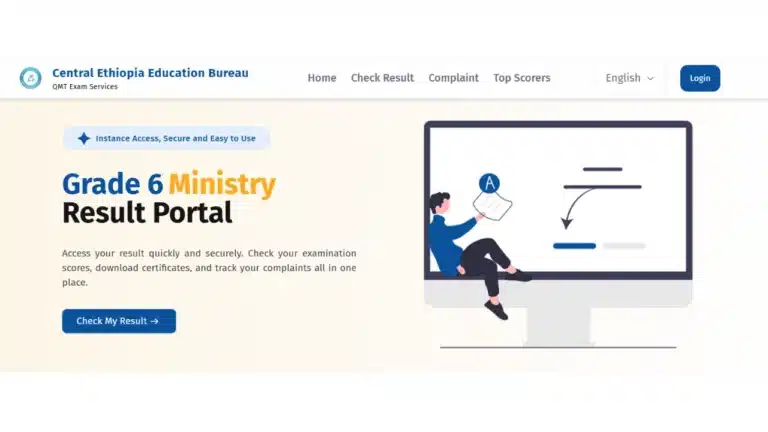
The first method to check the Central Ethiopia Grade 6 exam result is through the website.
- Visit this address https://ce6.ministry.et/ on your browser.
- Click on Check My Result.
- A form will appear on the screen.
- Fill in your registration number and your first name.
- Click the button that says “Check Your Result.”
The second method to check the Central Ethiopia Grade 6 exam result is through Telegram.
- Search for @MinistryResultQMTBOT on Telegram.
- Open the chat, then send the message /start.
- The bot will ask you to choose your grade level. Choose “Grade 6” from the list.
- After that, the bot will ask you to select your region. Select “Central Ethiopia”
- Type in your 7-digit registration number.
- Enter your first name correctly, and your result will pop up.
Students and parents are eagerly awaiting the Central Ethiopia Grade 6 exam result. It is expected that the Education Bureau will announce the result soon. Once the Education Bureau announces the Grade 6 exam result, thousands of students will check their results at the same time. Students are advised to keep their registration number and first name ready to check the Grade 6 exam result.
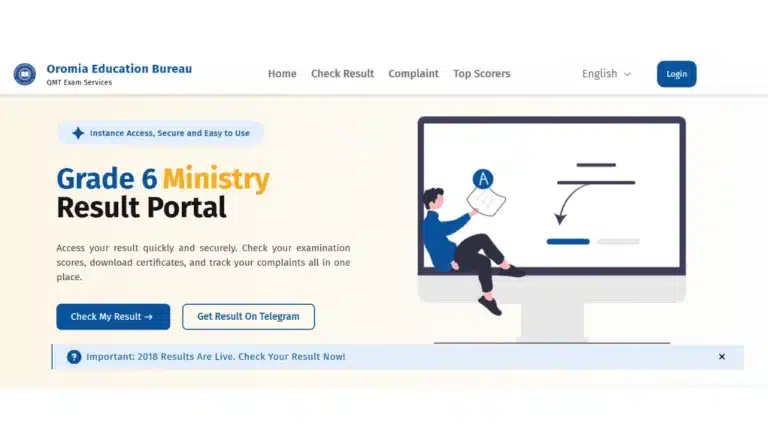
Yesterday, the Central Ethiopia region announced the 8th Grade Exam results for the 2018 Ethiopian academic year. This year’s results were the best in recent years for the region. Moreover, the Oromia region also announced the Grade 6 exam results, and available online.
0002768
ሲዳማ ክልል ዳአላ ዎራዳ ቀበል ቃርሳ ባሬ