Check Somali Region Grade 8 Exam Result 2018 E.C.
How to check Somali region Grade 8 Exam Result 2018 E.C. The Somali region Education Bureau today announced the Grade 8 results for the 2018 academic year (Ethiopian Calendar). There are two methods to check Somali region Grade 8 Exam result 2018 E.C. :
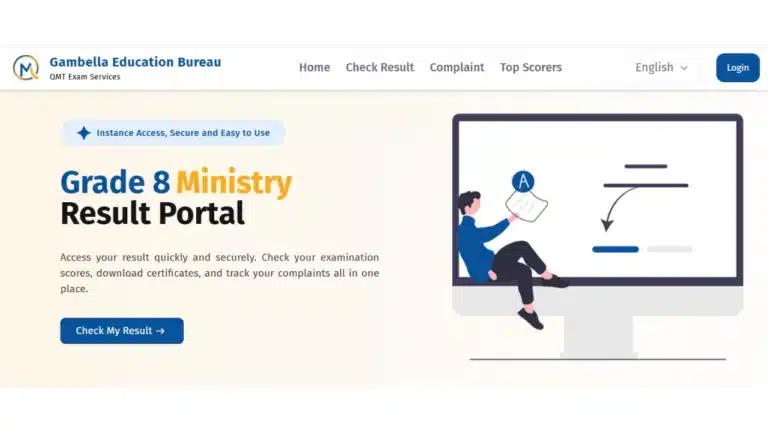
The first method to check the result is through ministry’s website.
- Visit https://somali.ministry.et/#/result on your mobile or computer.
- Click on “Check My Result”.
- Enter your registration number and your first name.
- Click the button “Check Your Result.”
- The ministry website will show your result.
The second method to check the Somali region Grade 8 result for the 2018 Ethiopian Calendar is through Telegram:
- Search for @MinistryResultQMTBOT on Telegram.
- Open the chat box and send a message /start.
- Choose “Grade 8” from the list.
- After that, the bot will ask you to select your region. Select “Somali Region”
- Enter your 7-digit registration number.
- Then the bot will ask for your first name. Enter your first name correctly.
- You will receive your result.
- Please ensure that VPN is turned off.